How to add Bywell to Claude
Bywell is in Claude's connector directory. Add it once and Claude can answer questions about your portfolio: what you own, what's moving it, what reports earnings soon, and how your goals are tracking. It takes a few minutes, and you never paste a password into the chat.
Before you start
- A Claude account. Connecting is easiest on claude.ai or the desktop app. On a work account, your admin may need to allow the connector.
- A Bywell account. If you don't have one, you can create it during setup. It's free to start.
- Optional: a linked brokerage. With Bywell Pro, link Wealthsimple, Questrade, TD Direct Investing, Interactive Brokers or 20+ others, read-only through SnapTrade. On Free, you can add up to 5 holdings by hand.
Step by step
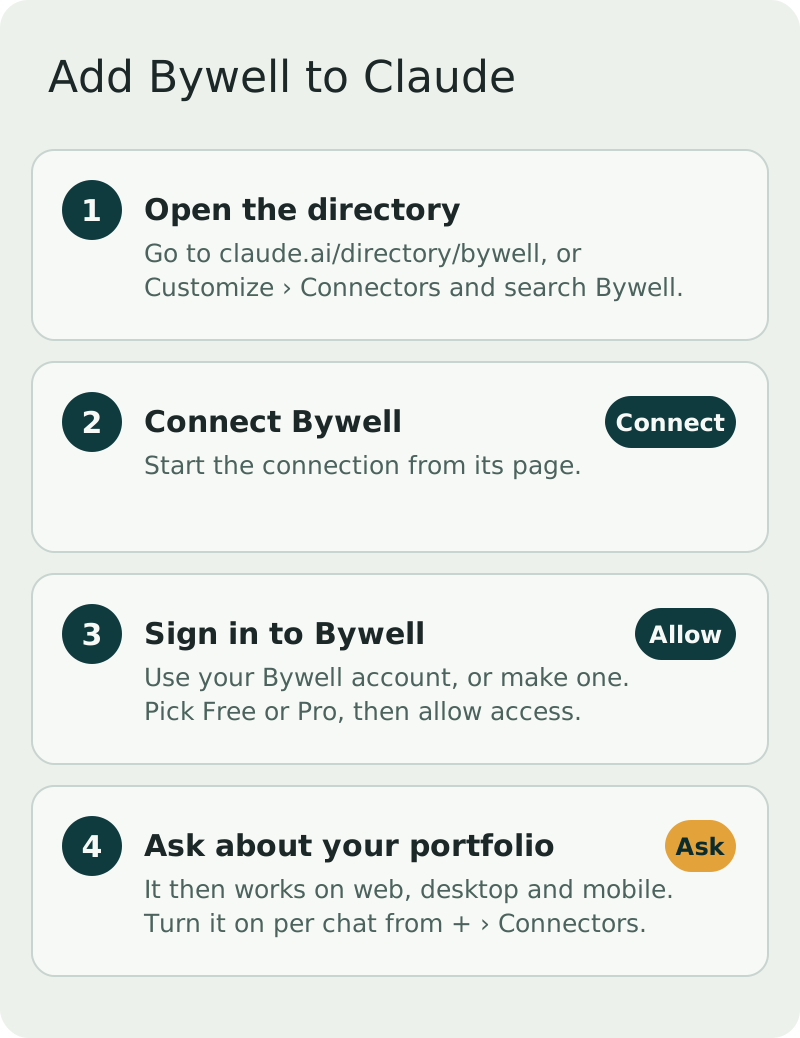
- Open Bywell in the directory. Go to claude.ai/directory/bywell, or in Claude open Customize › Connectors and search for "Bywell".
- Connect. Select Connect on Bywell's page.
- Sign in to Bywell. A Bywell page opens. Sign in, or create an account, pick Free or Pro, and select Allow and go back to Claude.
- Ask a question. Start a new chat and try "Give me a rundown of my portfolio." You can turn Bywell on or off for a chat from + › Connectors.
Once connected, Bywell is available in Claude on the web, desktop and mobile.
What to ask
- "What's the news on what I own this week? Newest first."
- "Which of my holdings report earnings before Friday?"
- "Walk me through my largest position's last earnings. Did it beat?"
- "Set a reminder the evening before each of my stocks reports."
- "Save a note on COST: I'm watching margins this quarter."
- "How is my first-home goal tracking?"
- "Teach me the next lesson in my Bywell course."
Claude can mix Bywell with its own web search, so it can pull your holdings from Bywell and then look up the news on them. More ideas are in AI investing prompts for your own portfolio.
What Bywell can and can't do in Claude
Bywell can read your holdings, watchlists, alerts, notes, goals and course progress, and save changes you ask for, like a new reminder or an updated thesis. Everything it saves shows up in the Bywell app too.
It can't place trades, move money or see your brokerage password. It gives general information and education, not investment advice. See Is it safe to connect your brokerage to an app? for how read-only access works.
This is general information, not investment advice.
Using ChatGPT too?
Bywell works the same way there. See How to add Bywell to ChatGPT. Developers and curious readers can find the server URL and every tool on Bywell for AI assistants.
Common questions
- Is the Bywell connector free in Claude?
- Bywell has a free plan, and the connector works with it. Bywell Pro adds linked brokerages, every stock you own and watch, and more. Which Claude plans can use connectors is up to Anthropic, and on a work account your admin may need to allow it.
- Does it work in the Claude mobile app?
- Yes. Connect it once on the web or desktop and it's available in Claude on your phone too.
- Can Claude trade or move money through Bywell?
- No. Bywell is read-only on your brokerage. It can't place trades, move money or see your brokerage password.
General information and education, not investment advice. Bywell never makes buy, sell or hold recommendations.